Demo
See Plenum in action
A guided walkthrough of a full event in Plenum, from connecting HubSpot to the analytics after. The full walkthrough video is coming soon; here is an animated preview, with the step-by-step tour below.
Prefer it live? Book a 30-minute demo on a ready-made sample event. Book a demo
The walkthrough, step by step
01
Connect HubSpot
Plenum connects to your HubSpot account via OAuth. Your contacts, companies and marketing events stay yours, in your CRM.
02
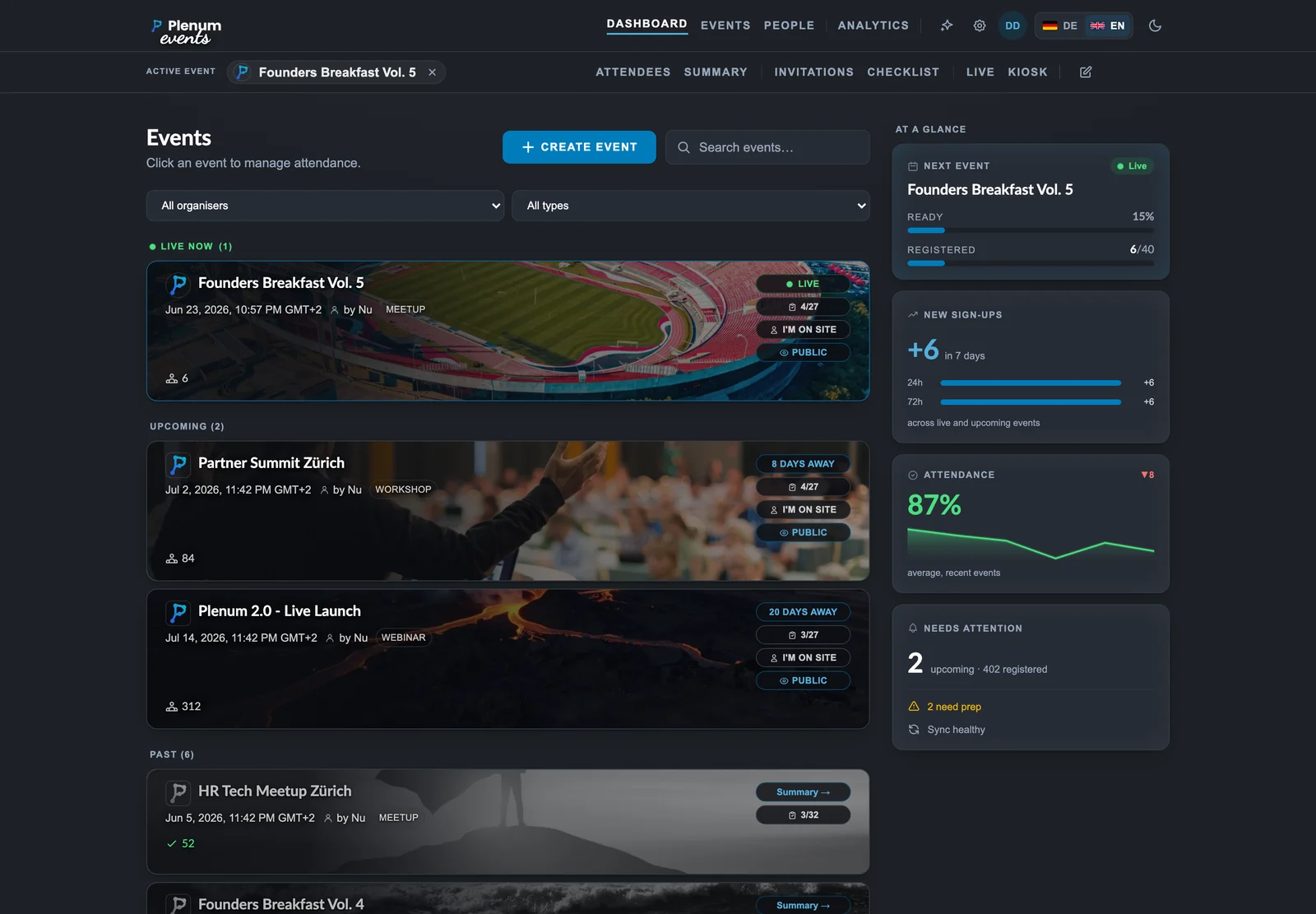
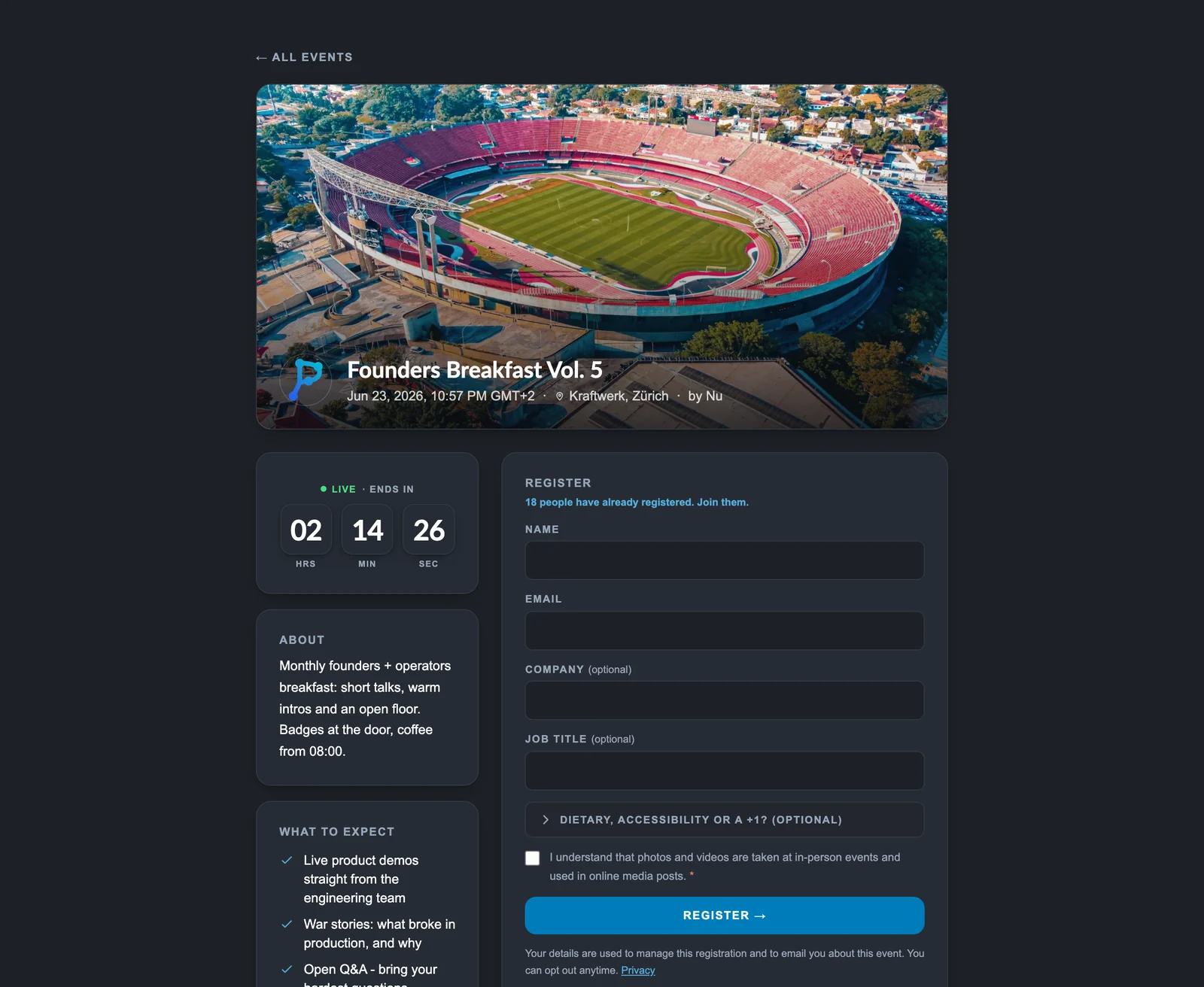
Public event page
Make an event public with one click. Plenum builds the registration page, the waitlist and the share assets.
03
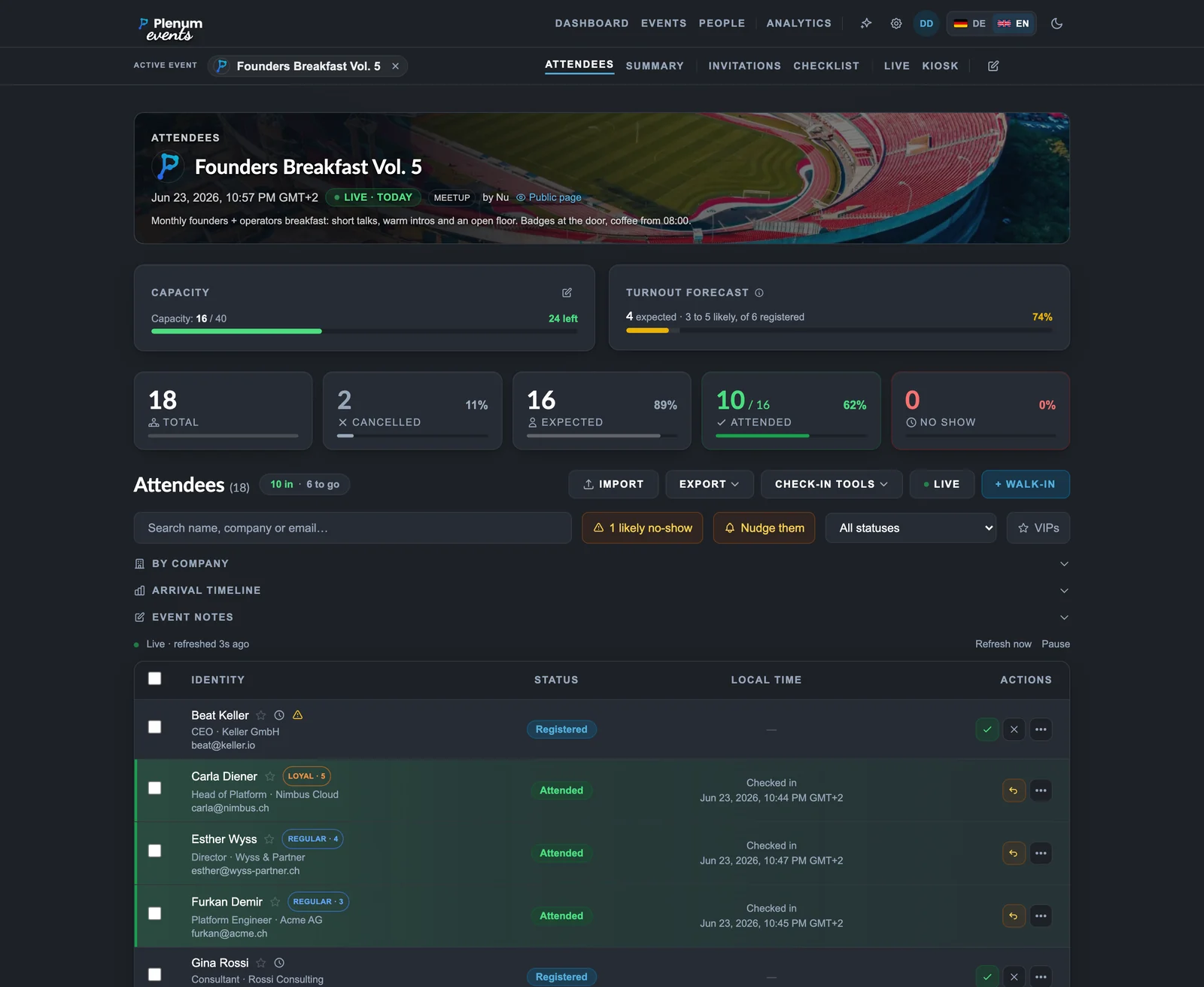
Attendees, synced with HubSpot
Registrations flow straight into HubSpot. Loyalty tiers, no-show risk and a turnout forecast help you plan.
04
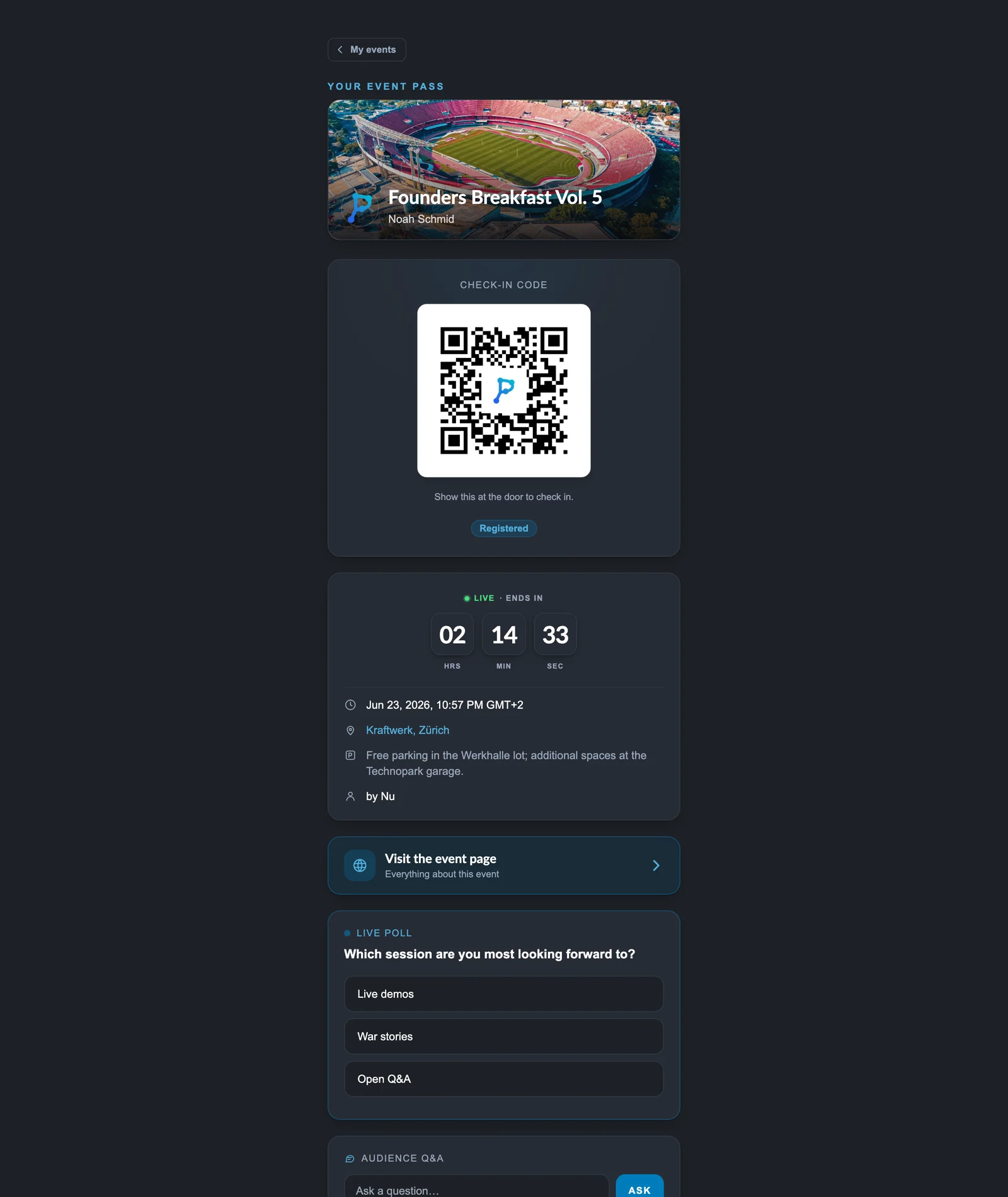
Check in at the door
Every guest gets a Pass with a live QR. Scan at the door, even when the wifi drops; status flows back to HubSpot.
05
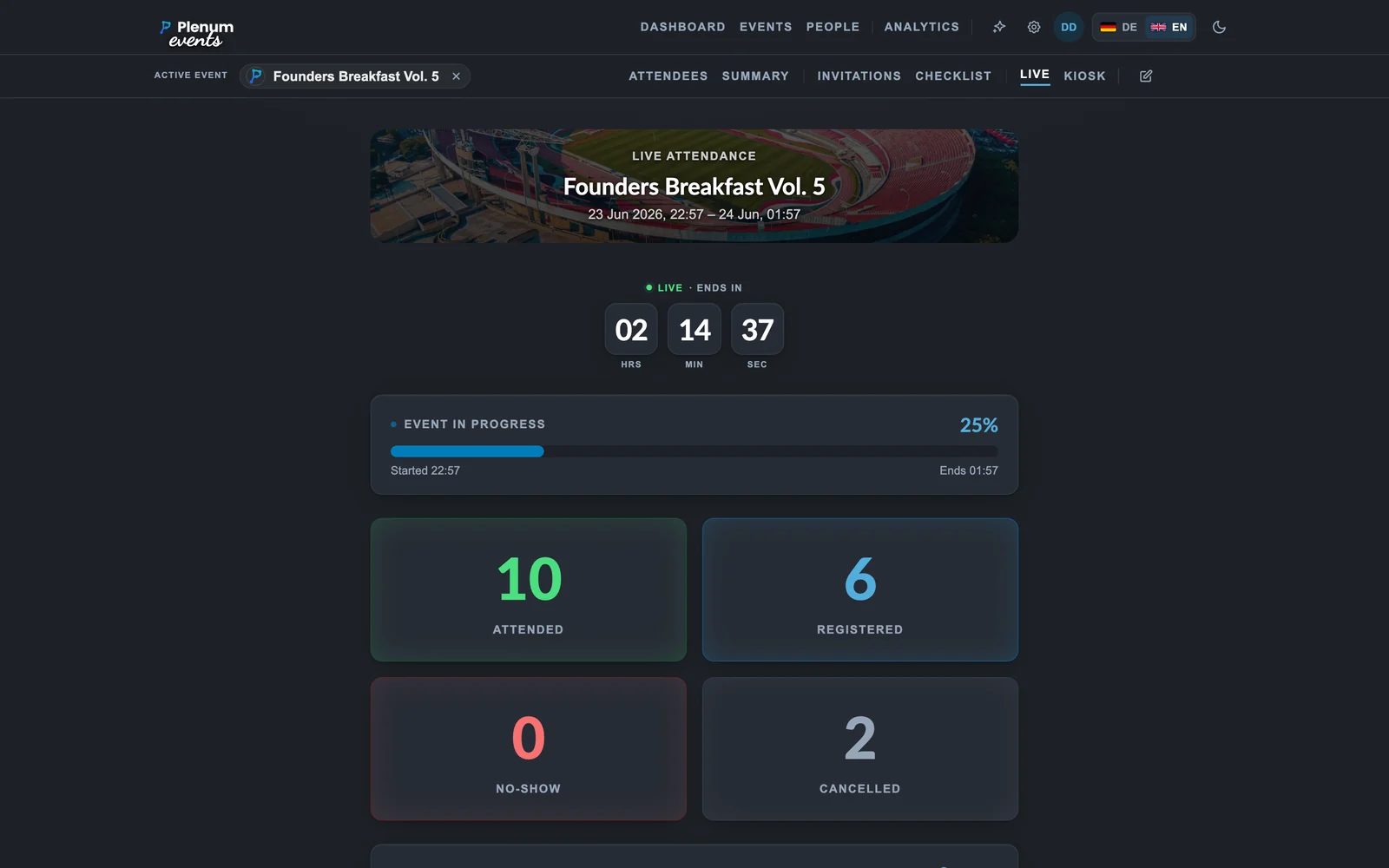
Live view on the wall
Watch the room fill in real time: arrivals, pace and VIP entrances, with no refresh.
06
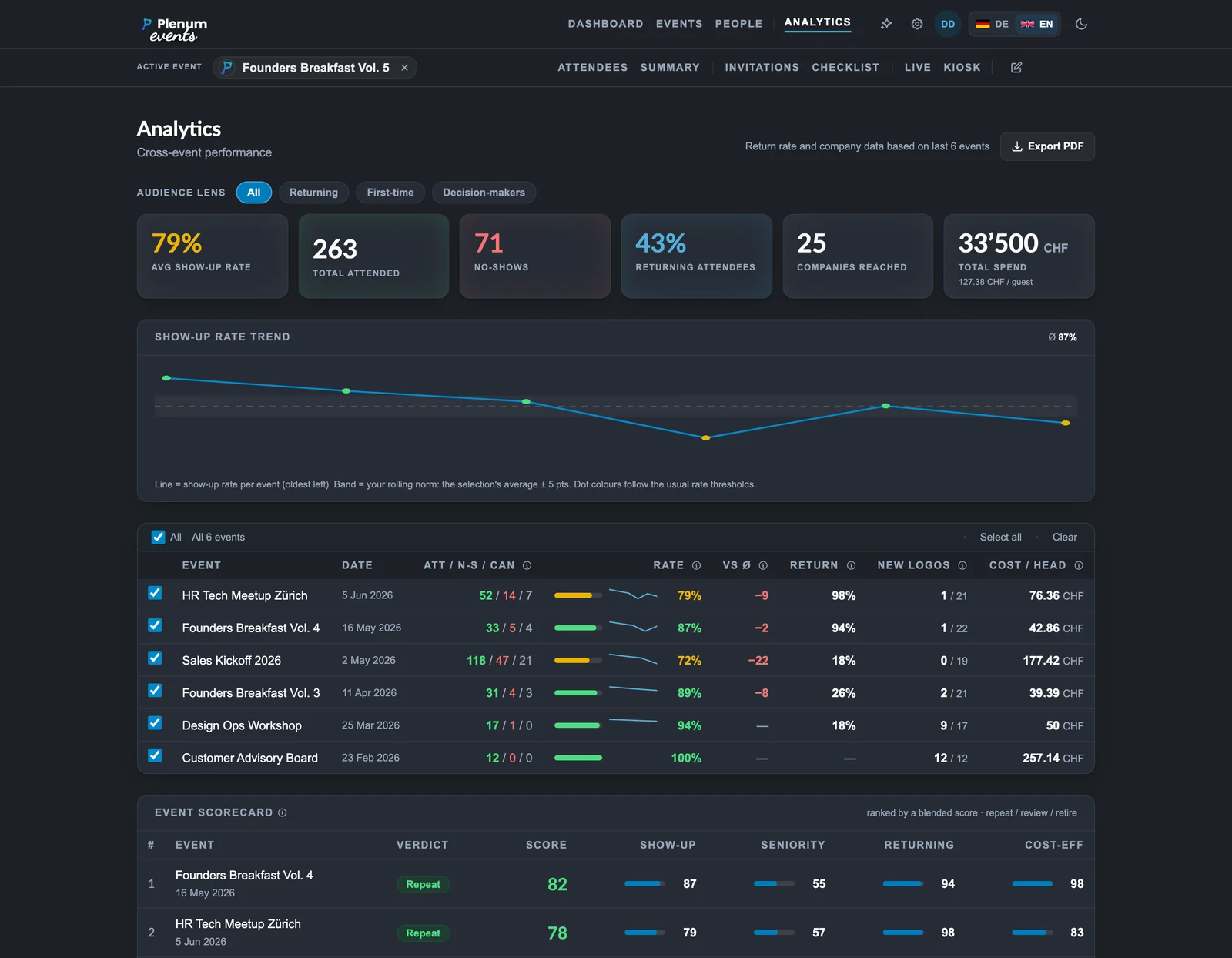
Analytics and ROI
After the event: cost per head, no-show spend and the pipeline ROI from your attendees deals, across every event.